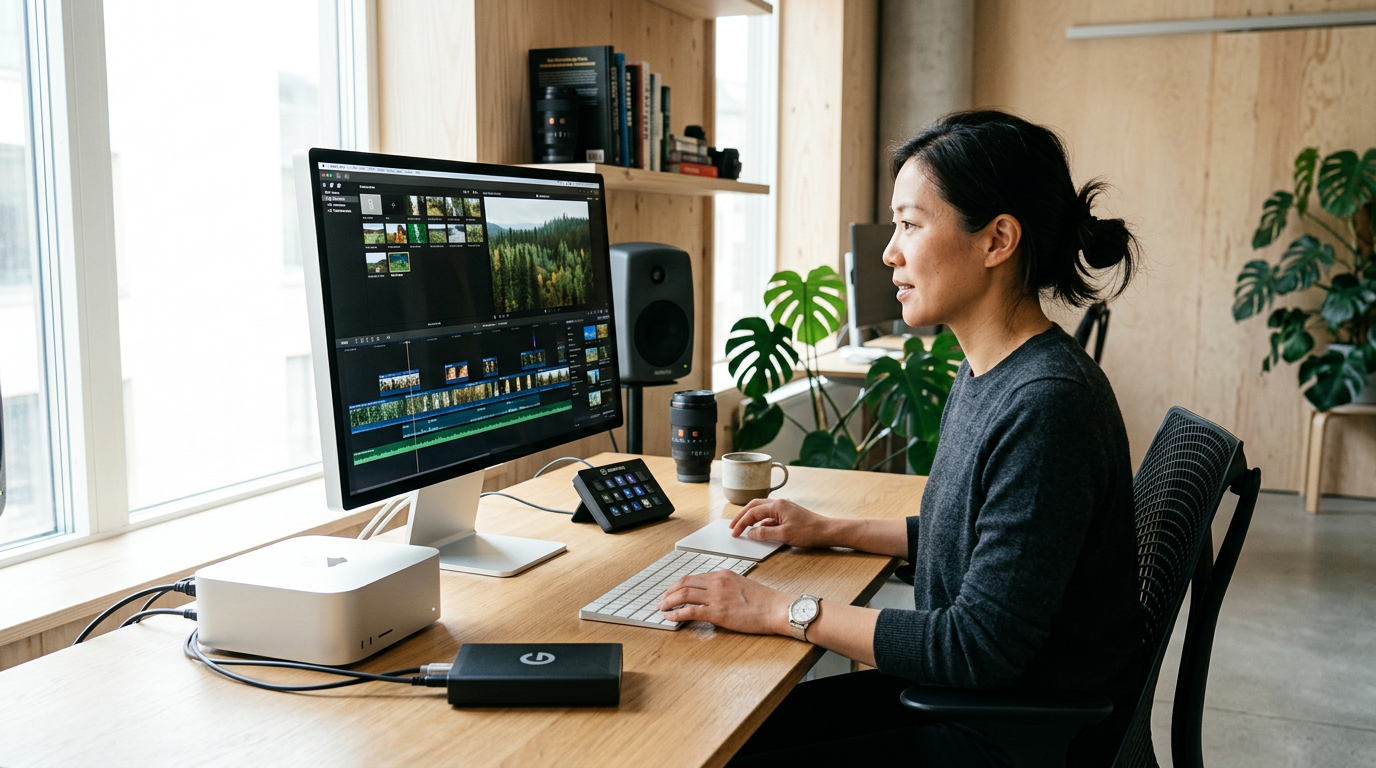
Speed Up Your Editing: Essential Final Cut Pro Shortcuts
Mastering keyboard shortcuts can significantly enhance your editing speed in Final Cut Pro. This guide reveals the essential shortcuts every editor should know.
Everything about Final Cut Pro, tutorials, tips, tools, and guides.
Mastering keyboard shortcuts can significantly enhance your editing speed in Final Cut Pro. This guide reveals the essential shortcuts every editor should know.
Elevate your video editing skills with advanced techniques in Final Cut Pro. Discover pro tips and tricks that will transform your workflow.
This guide offers a step-by-step approach to mastering the basics of Final Cut Pro, helping beginners to navigate the software and start editing videos effectively.
Mastering the timeline in Final Cut Pro is essential for efficient video editing. This guide covers everything you need to know to enhance your workflow.
Unlock the full potential of Final Cut Pro by mastering Libraries and Events. This guide will help you streamline your video projects for maximum efficiency.
Unleash your creativity in Final Cut Pro with stunning visual effects! This guide will walk you through essential techniques to take your video projects to the next level.
Learn how to create stunning transitions in Final Cut Pro to elevate your video editing. This guide covers essential techniques for smooth edits.
This comprehensive guide will walk you through the essential techniques for color correction in Final Cut Pro, ensuring your videos achieve a polished, professional look.
Struggling with slow performance in Final Cut Pro? Discover essential tips for using proxies and optimizing your hardware and software.
Struggling with Final Cut Pro? Our comprehensive guide provides solutions to common issues, ensuring your editing process remains smooth and efficient.
Unlock the full potential of Final Cut Pro with our detailed guide on the top 10 essential plugins that every editor should have. Boost your workflow and creativity with these must-have tools.
Unlock the power of branding in your video projects by creating custom templates in Final Cut Pro. This guide walks you through the essential steps and tips for consistency.